
Large Language Models (LLMs) do not magically know what is on the live internet. They rely on web crawlers—automated bots that read and index your site’s data. If ChatGPT is ignoring you while others aren’t, the issue almost always lies in how your server interacts with OpenAI’s specific crawlers.
Here are the most common culprits:
- 1. Misconfigured
robots.txtRules: You might accidentally be blocking OpenAI without realizing it. OpenAI uses two primary user-agents:GPTBot(for training data) andOAI-SearchBot(for live ChatGPT web searches). If yourrobots.txtfile disallows these bots, ChatGPT will hit a wall, even if you allowGoogle-Extended(Gemini),ClaudeBot, orPerplexityBot. - 2. Overzealous Firewalls and Cloudflare Rules: Web Application Firewalls (WAF) are designed to block malicious scrapers. Sometimes, they flag OpenAI’s IP addresses as suspicious traffic and block them, while letting IP ranges from Google or Anthropic pass through.
- 3. JavaScript Rendering Issues: Your website might rely heavily on client-side JavaScript to load content. While Gemini (backed by Google’s massive rendering engine) or Perplexity might easily render the JS and read the text, ChatGPT’s live browsing tool might time out or fail to parse the heavily scripted DOM.
How to Guarantee Visibility Across All LLMs
You cannot afford to be invisible to ChatGPT, which remains the dominant player in the AI space. Guessing how these bots interact with your site is a recipe for lost traffic. You need to see your website exactly how the AI sees it.
This is where WebCrawler.pro comes in.
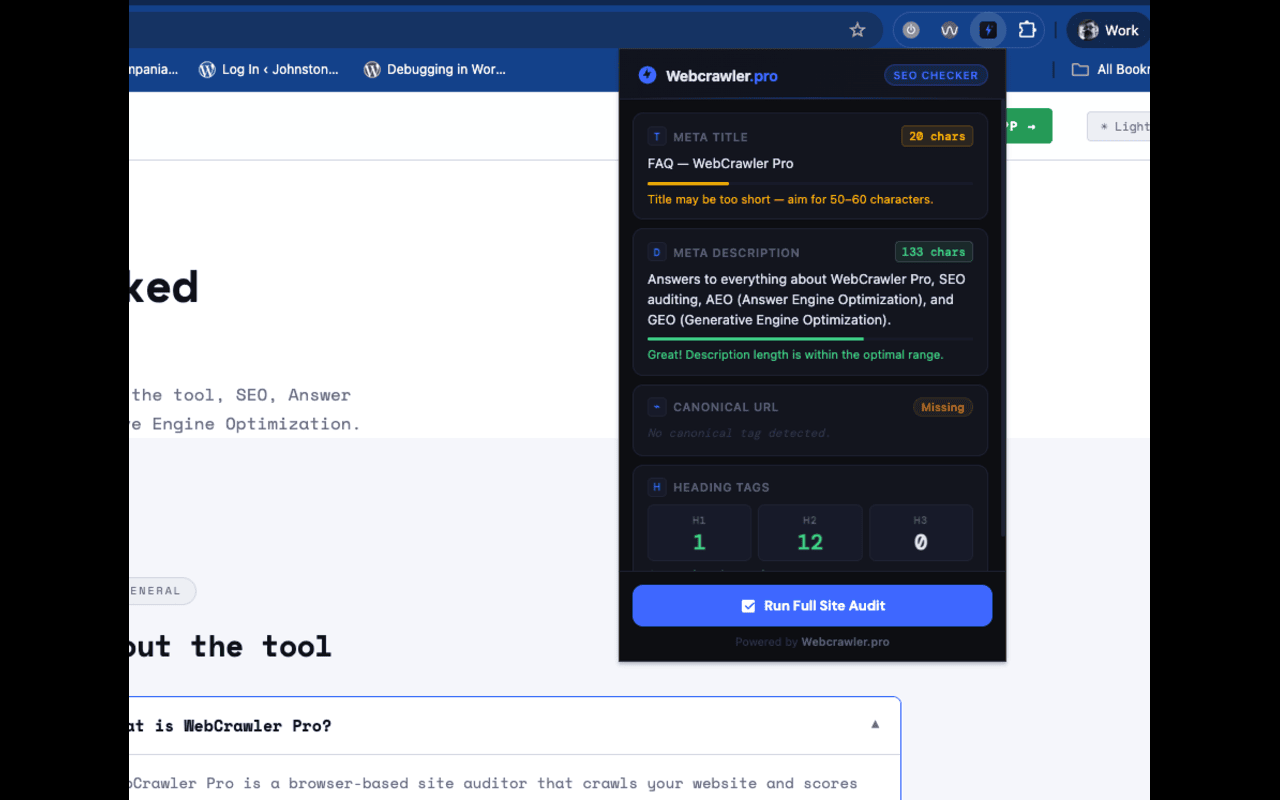
Instead of playing guessing games with your server logs, WebCrawler.pro allows you to simulate and analyze exactly how different AI bots crawl your pages.
With WebCrawler.pro, you can:
- Audit your
robots.txt: Instantly see if you are inadvertently blockingOAI-SearchBotorGPTBot. - Simulate LLM Scrapes: Test your URLs to see the raw text that is actually being fed to ChatGPT, Claude, and Perplexity. If the text is missing or jumbled, you know you have a rendering issue to fix.
- Optimize for AIO: Ensure your content is structured in a way that makes it easily digestible for all major language models, not just one.
Stop letting ChatGPT ignore your hard work. Head over to WebCrawler.pro today, run a test on your site, and make sure you are visible in the new era of AI search.